
Edit Text In Image
Upload your image, enter the text you want to change and what it should say instead, and our edit text in image AI replaces the words while keeping the font, colors, and background intact — then download the updated picture in three straightforward steps.
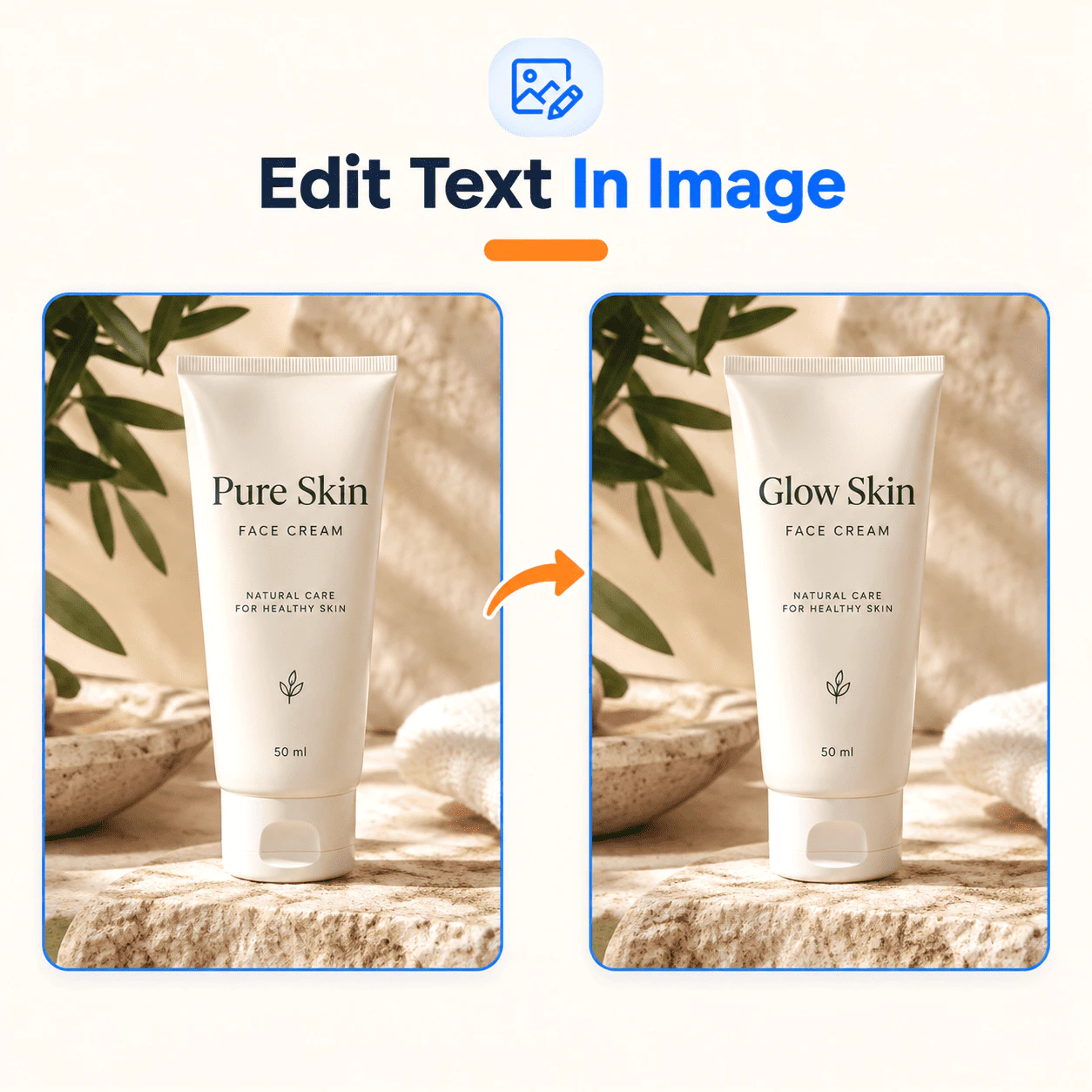
What Is Edit Text In Image?
Edit Text In Image is an online AI tool for edit text in image work on pictures you already have — posters, labels, screenshots, or event pages — without opening Photoshop. Upload your file, tell us the old text and the new text, and the AI updates the wording while keeping the font, color, size, and background looking natural.
- Upload Your ImageAdd the image you want to edit. Use a clear file from your camera roll, design export, or store listing — whatever still has the text you need to fix for your edit text in image task.
- Type the Text ChangeWrite the text as it appears in the picture and what it should say instead. Our edit text in image AI locates those words and replaces them in context, without smearing the area around them.
- Download the ResultSave the finished image from your edit text in image session with the updated copy. Use it on print, your website, app stores, or social posts — most edits are done in under a minute.
Why Choose Edit Text In Image
Here is why marketers, event teams, and everyday users turn to edit text in image when the design is finished but the copy is not:
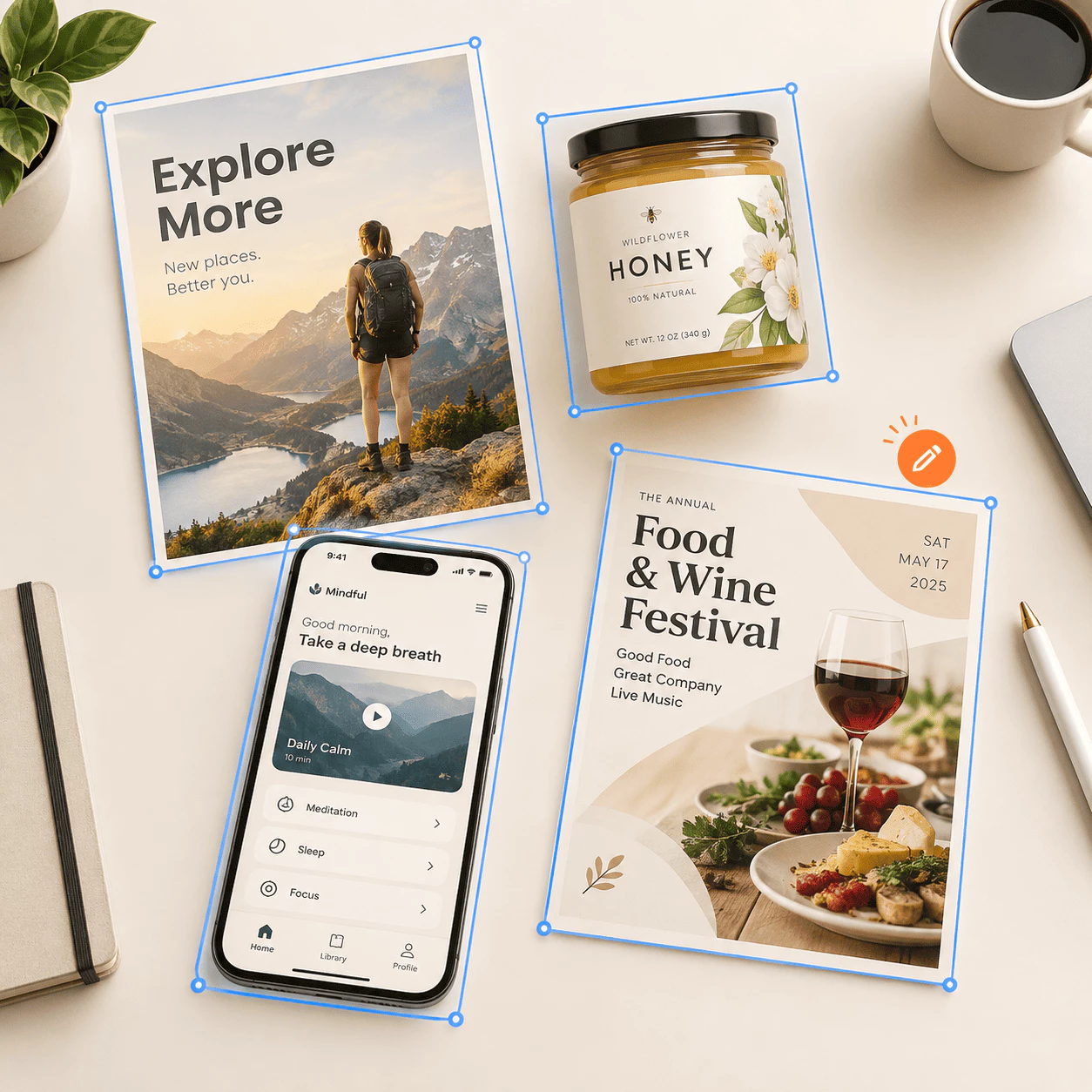
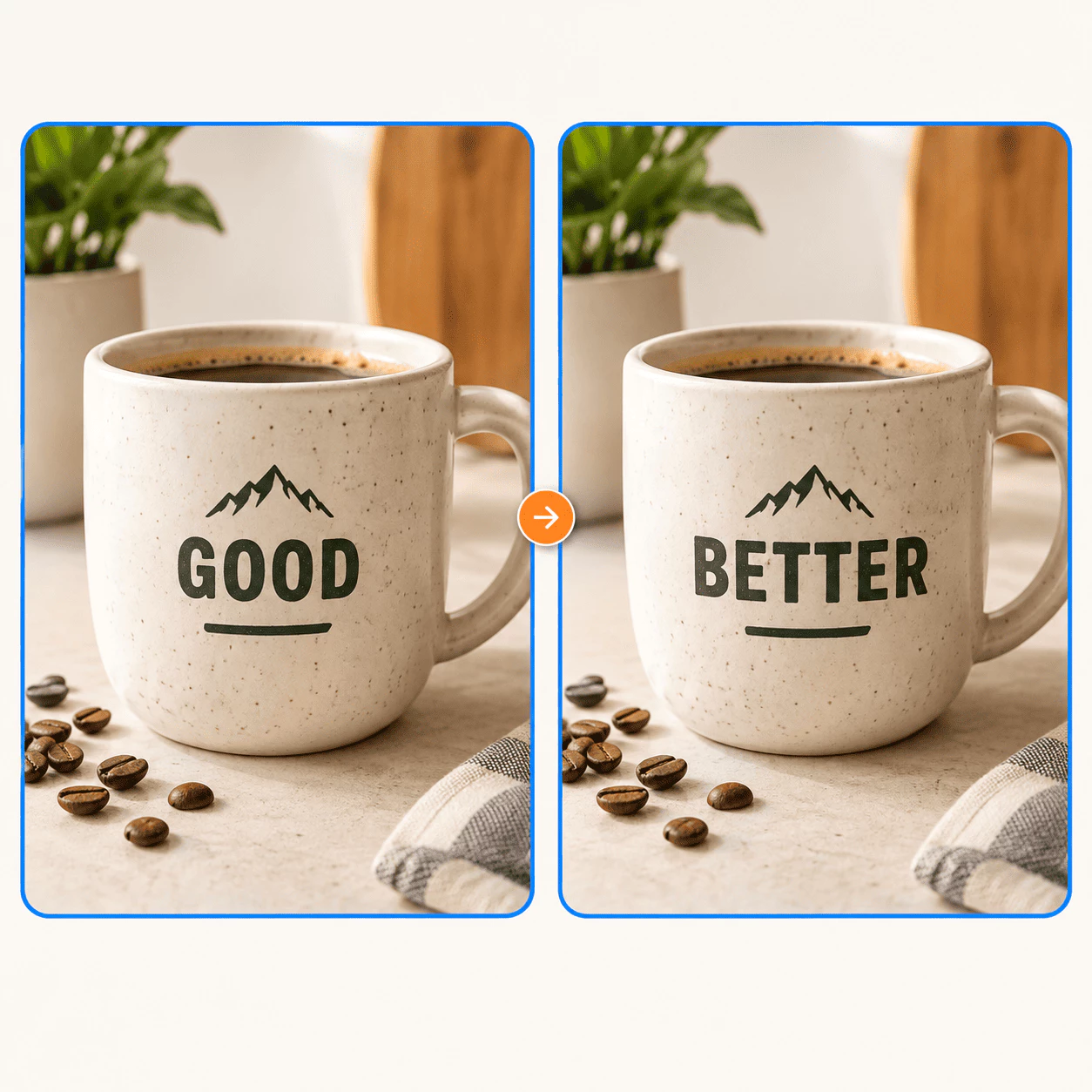
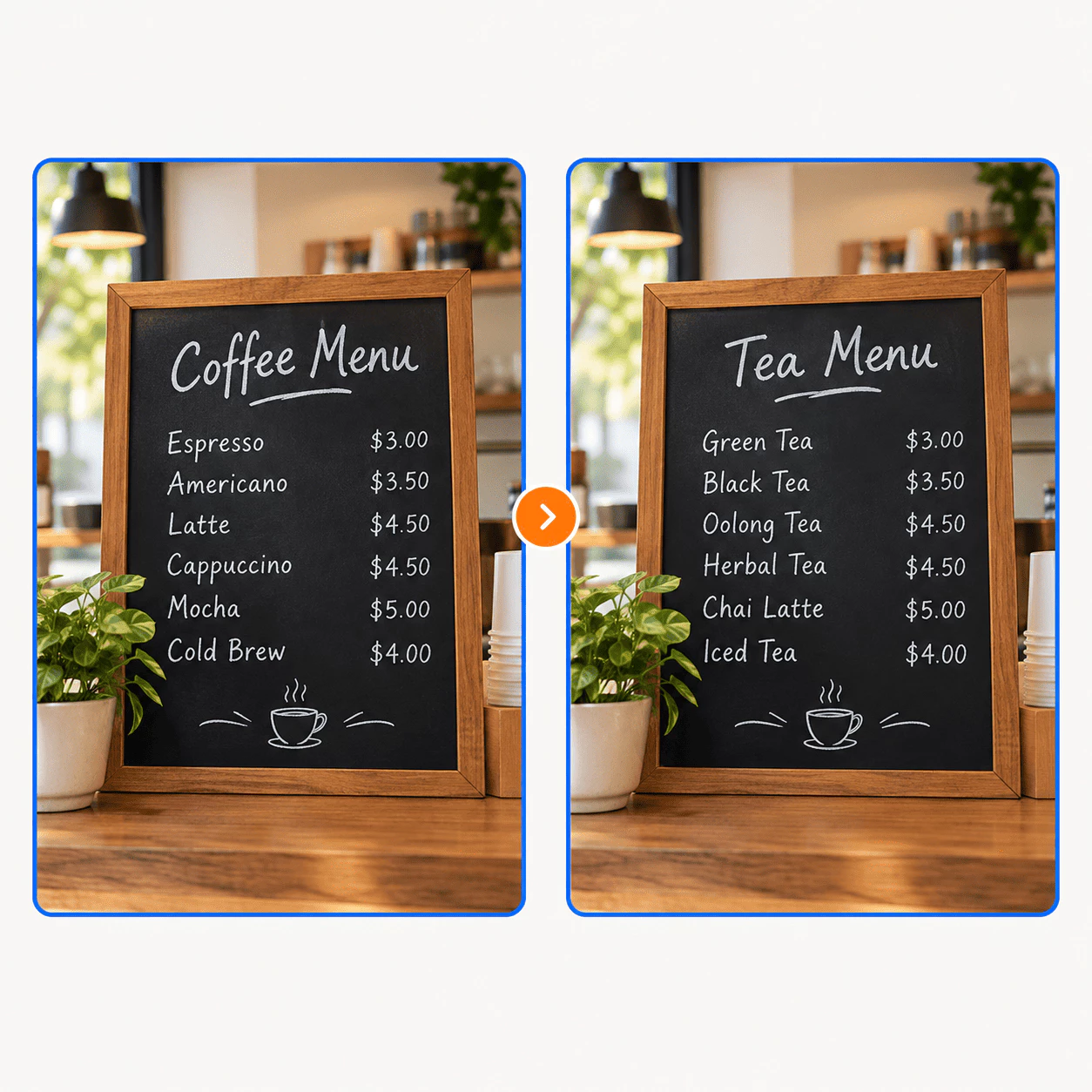
Edit Text In Image Core Features
See what you can change with edit text in image on pictures you already saved — from one wrong word to a full line of new copy:
Event Programs
A name is wrong or the schedule shifted after the program was laid out. Use edit text in image on the final page to fix the wording and keep the paper texture and type style as close to the original as possible.
Posters and Flyers
Dates, venues, or speaker lines change when the design file is not handy. Use edit text in image on the exported poster or flyer instead of starting the layout over from zero.
App Screenshots
App stores often need many language versions. Use edit text in image on the screenshots you already have to swap on-screen copy so UI fonts and chrome stay consistent across locales.
Product Labels
Packaging copy, weights, or promo badges change after photos were taken. Use edit text in image on existing product shots instead of planning another full photo shoot.
Social Ad Creative
Marketers can test new headlines and buttons on the same visual. Change the copy, run your A/B test, and keep the creative that earns the better click rate.
Reuse Event Materials
Last season's invite or banner still looks great — only the when and where changed. Update date and venue on the image and put the asset back to work for the next round.
Edit Text in an Image in 3 Steps
No design skills needed for edit text in image — most text swaps are done in under a minute:
Upload Your Image
Add the picture you want to change for edit text in image. Posters, labels, screenshots, and phone photos all work.
Enter the Text Change
Type the words as they show in the image and what they should say instead. The edit text in image engine finds that text and replaces it in the right spot.
Download the Result
Save the updated image with the new wording. Use it for print, your site, app listings, or social posts when it looks right to you.
Made for the Images You Already Have
Edit Text In Image helps you change words on posters, product shots, app captures, and event art — when the layout is done but the copy is not.
People Using the Tool
118K+
Creators, sellers, and teams reach for it when a typo, date, or price needs fixing and only a flat image file is left.
Images Processed
230K+
From one-line swaps to bigger localization passes, teams rely on edit text in image workflows through the service every day.
Countries
200+
Used around the world when deadlines are tight and reopening the original design is not an option.
Common Questions About Edit Text In Image
Quick answers about edit text in image and changing words inside pictures online — need more help? Reach out anytime.
What is Edit Text In Image?
It is an online AI service that swaps text inside an image file you already have. You upload a poster, label, screenshot, or program page, enter the current wording and the new wording, and the system replaces the text while trying to keep the font, color, size, and background around it looking natural. Use it to fix typos, move dates, update prices, or adjust copy for another market — without opening Photoshop or rebuilding the whole design from scratch.
Why use this instead of manual editing?
Redrawing letters by hand in a photo editor often blurs labels, warps perspective, or picks the wrong font. AI focuses on the text area so you spend minutes instead of hours on each fix. That helps when a flyer is due tonight, a product photo needs a new discount line, or app screenshots must go out in several languages. You stay on the flat file you have while the rest of the layout stays mostly untouched.
How do I start?
Upload your image to start edit text in image, type the text exactly as it appears and what you want it to say instead. The AI finds that phrase and shows you an updated preview. When it looks good, download the file for print, web, stores, or social. Most people finish a simple change in under a minute and do not need design training.
Who is it for?
Event planners fixing program names, marketers testing ad headlines, app teams localizing screenshots, and shop owners updating label copy all use the same flow. Anyone who only has an exported image — not the original design file — and needs the words changed is a fit. It is built for quick fixes and steady production work, not for drawing brand-new graphics on a blank canvas.
What sets it apart?
It focuses on one job: change the words in a picture and leave the rest alone. The AI aims to match the original lettering and keep backgrounds, textures, and UI chrome from looking smeared. You get high-resolution downloads suited for storefronts, app listings, and client decks — not just quick previews. That mix of speed, visual fidelity, and careful handling of uploads is what makes it useful day after day.
When is it not the right tool?
It is not meant for laying out new graphics on a blank canvas — use a design app for that. Very tiny text, official ID documents, and multi-page PDFs are poor fits; export a single page as an image first when needed. For partial words inside a longer word, type the full word as shown and the full word you want. Upload the highest-resolution file you have and review the result closely on hard cases.